THE APP
Built for race day.
Everything you need, nothing you don't. Set it up once, leave it running.
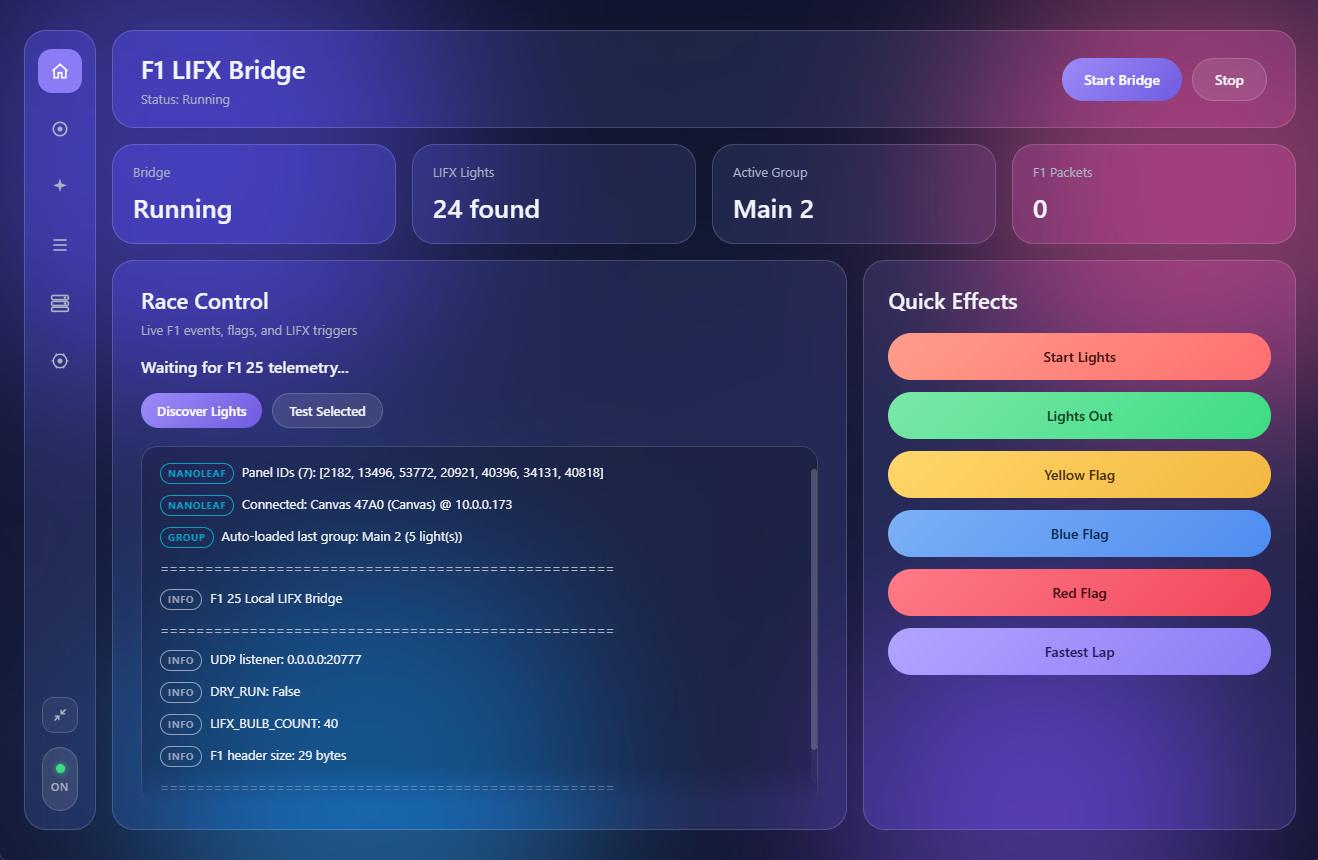
Dashboard
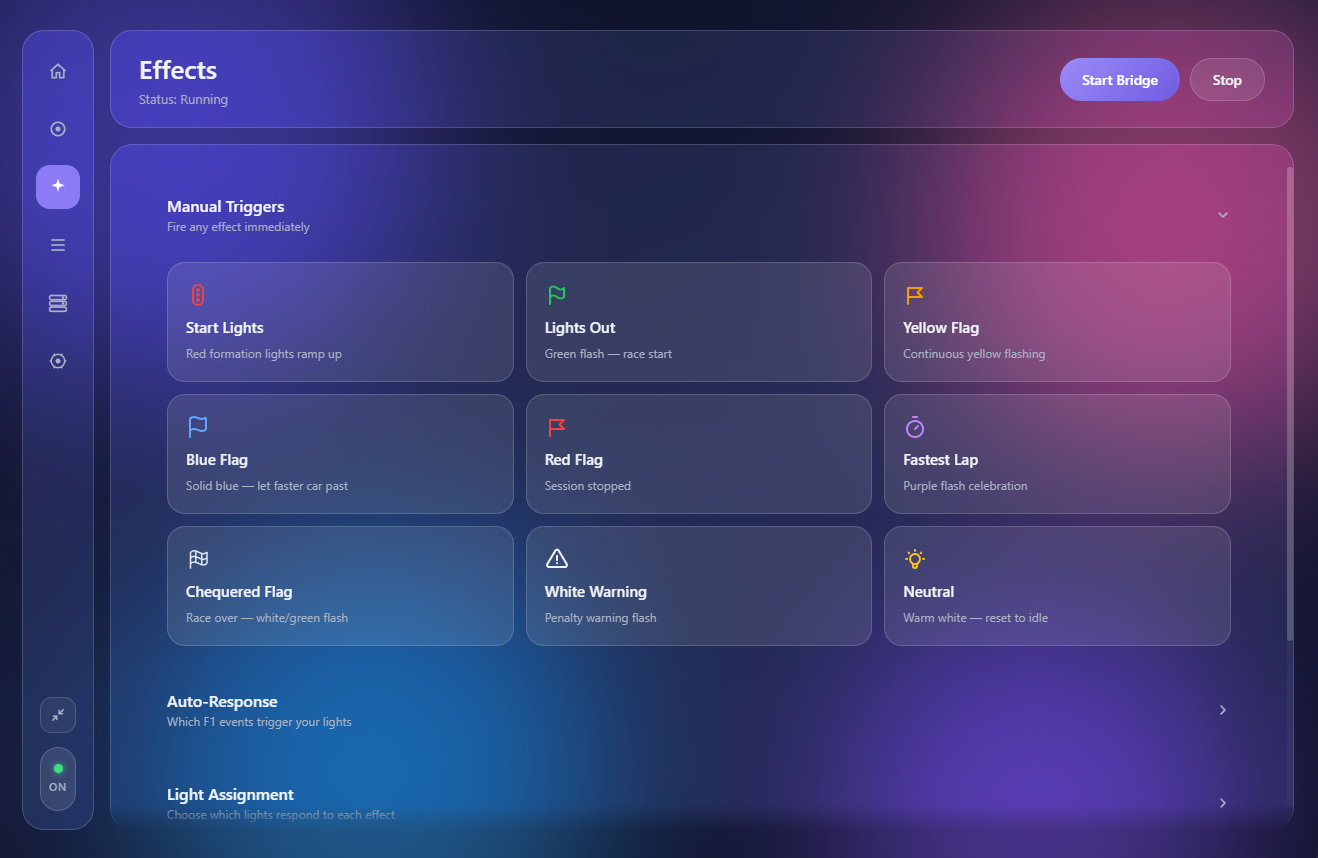
Effects
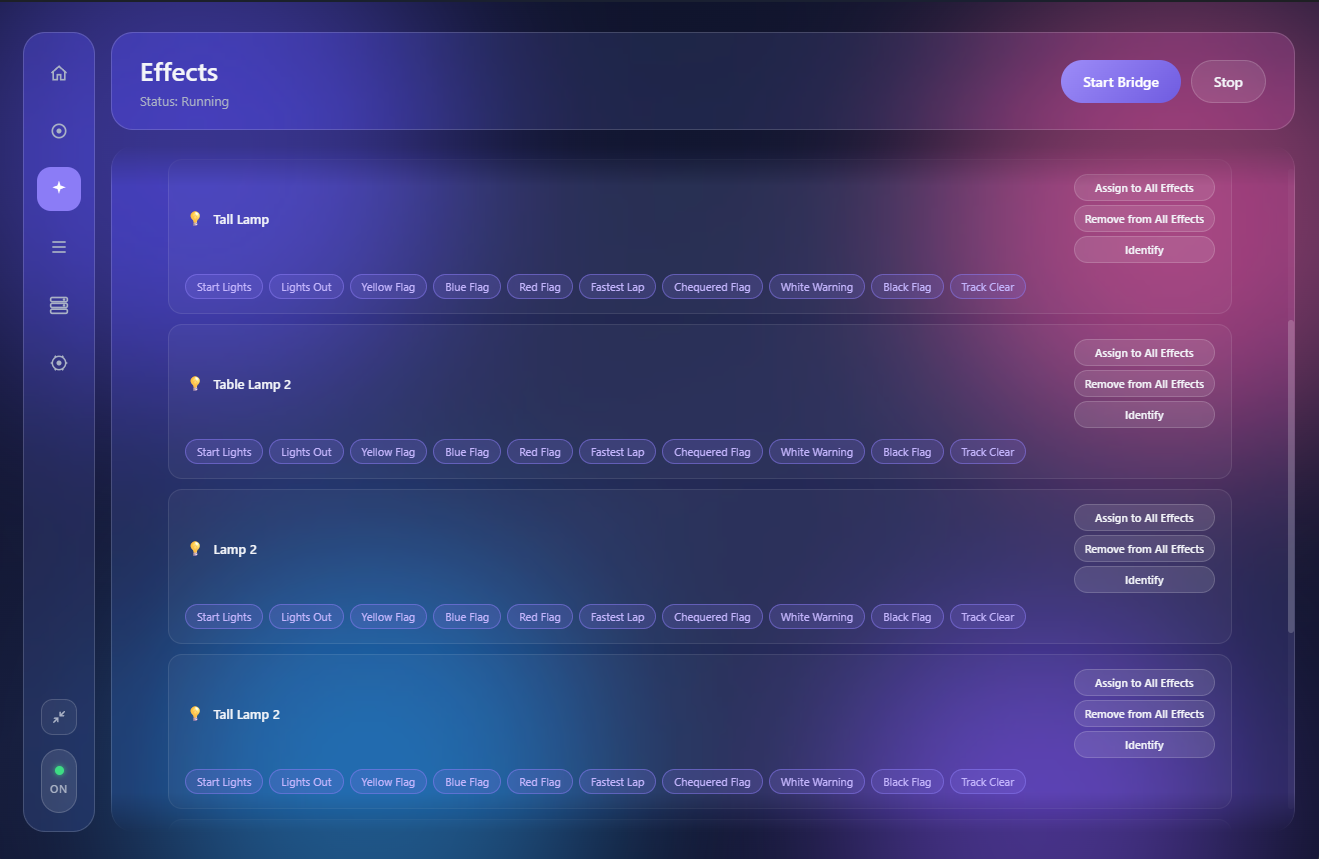
Community Workshop
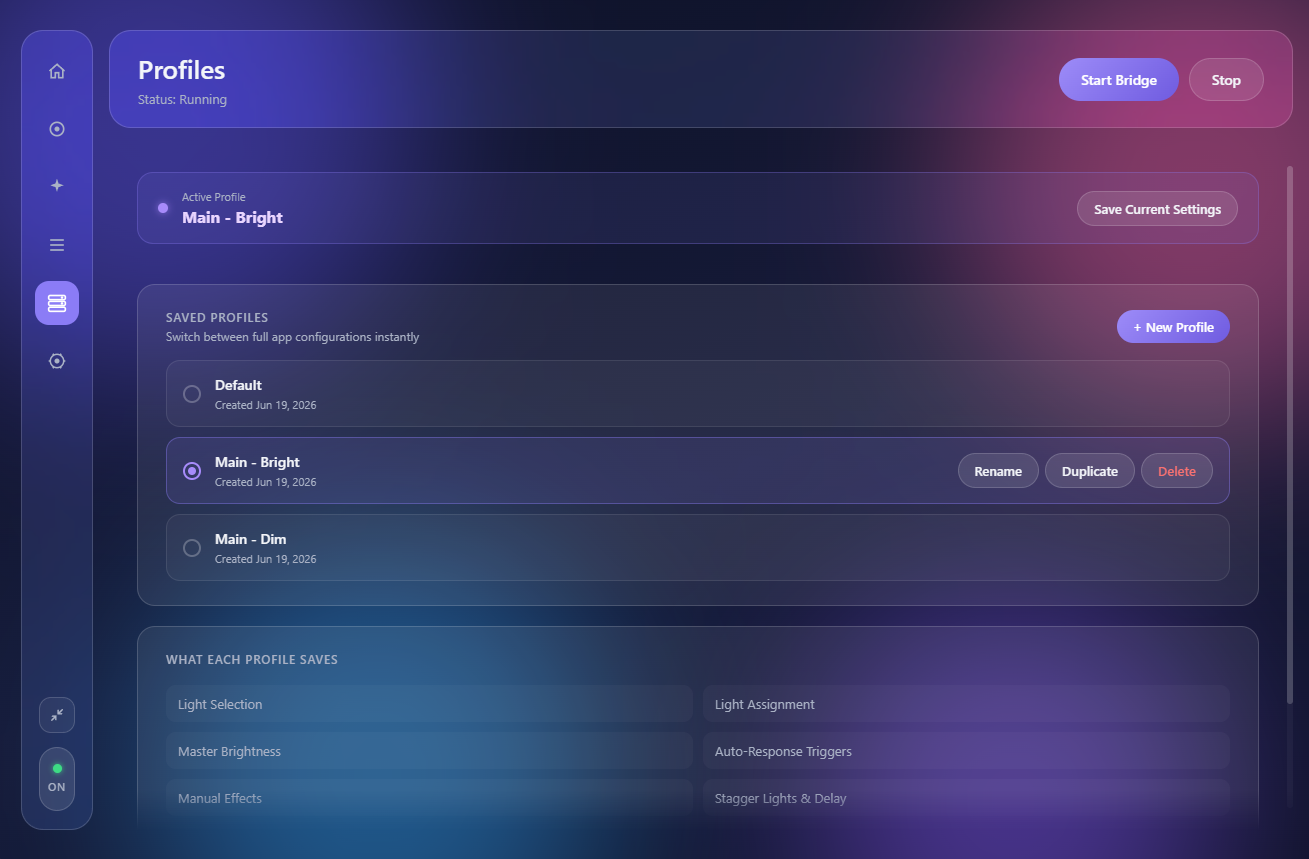
Profiles
Every flag, every start light, every fastest lap — reflected instantly in your LIFX, Nanoleaf, and Philips Hue lights. No cloud. No delay. Pure LAN.
THE APP
Everything you need, nothing you don't. Set it up once, leave it running.
9 RACE EVENTS
Nine distinct effects fire the instant F1 25 through F1 21 broadcasts the event — each mapped to a colour, a pulse, a sweep across your room.
SETUP
Open the app, go to Lights, and hit Discover. Your LIFX and Nanoleaf devices appear automatically. Select the ones you want.
Settings → Telemetry Settings. Set UDP to On, point it at your PC's local IP, your chosen port (20777 by default).
Hit Start Bridge. From that moment on, every race event fires your lights automatically — whether you're watching or racing.
SUPPORTED DEVICES
Bulbs, strips, and multizone devices. The start lights sweep zone by zone across your strip — matching the real on-screen sequence, light by light.
Canvas, Shapes, Lines, Elements, Light Panels. The Panel Layout UI maps the start lights sweep to your physical panel arrangement on the wall.
Bulbs and Gradient Lightstrip Plus, all running over your home network — no internet required. The Gradient Lightstrip fills up segment by segment during the start lights sequence, matching the on-screen countdown light by light.
FEATURES
Direct LAN. No cloud relay, no subscription, no middleman. The light fires when the event fires.
Save your entire setup — lights, effects, brightness, idle colour — and switch between them instantly.
Full per-effect control. Assign specific lights to specific events. Yellow flag in one room, start lights in another.
Start lights fill zones left-to-right across your LIFX strip, one by one, matching the real on-screen sequence.
Drag your Nanoleaf panels to match your physical wall. The sweep follows your layout — not the API's arbitrary order.
Relay telemetry to a second destination simultaneously. Sim dashboard software, second PC — your call.
Free. Open source. Runs entirely on your local network.
Download GridGlow v1.0.0 · Windows